 SCREEN
 📌 Quick Summary: Buying a work laptop in 2026 is a minefield of marketing jargon. As the founder of Screen Medic, I have tested hundreds of screens and laptops. Here is my honest, hype-free guide to the best laptops for work, the exact specs that actually matter, and the mistakes that will cost you $500.
The $1,500 Mistake I Made So You Don't Have To
In 2023, I bought a laptop for work. I was convinced I needed the most powerful machine on the market. I spent $1,500 on a machine with an RTX 4080, 32GB of RAM, and a 4K OLED screen.
Two weeks later, I returned it.
The fans sounded like a jet engine taking off during a Zoom call. The 4K screen drained the battery in three hours. And the keyboard was so shallow that my wrists ached after a full day of typing.
That was the day I realized something crucial: A work laptop is not a gaming laptop. It is a tool, and like any tool, the best one is the one that fits the job perfectly not the one with the biggest spec sheet.
At Screen Medic, my team and I test hundreds of laptops. We look at the screens, the keyboards, the battery life, and the real-world performance. This guide is the culmination of that experience. It is the guide I wish I had before I wasted $1,500.
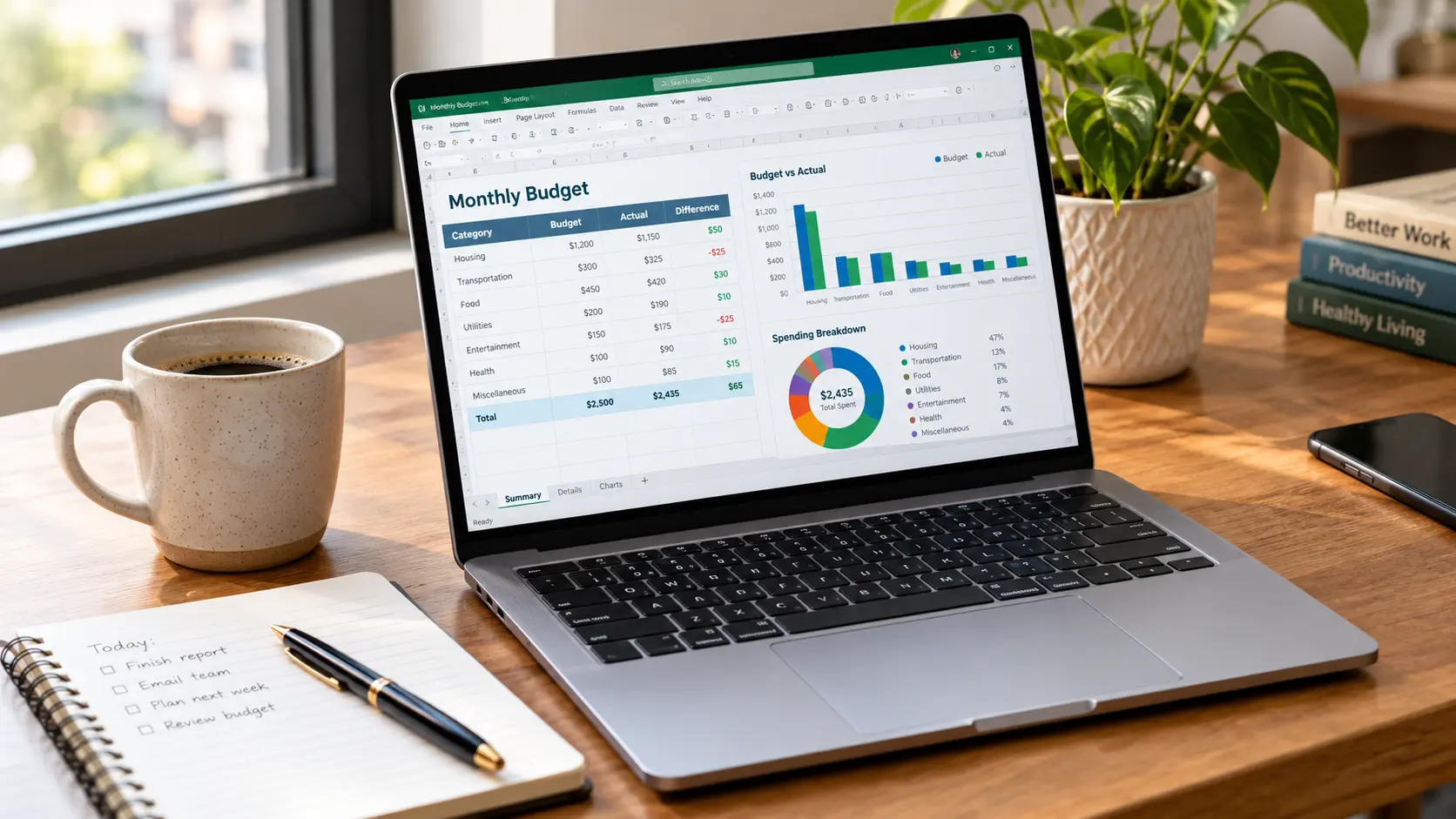
My current work setup built for productivity, not gaming
What Actually Matters for a Work Laptop
Before we look at specific models, we need to understand what makes a laptop good for work. It is not the CPU. It is not the GPU. It is the sum of small things that make your day smoother.
1. The Screen: More Than Just Resolution
You will stare at this screen for 8 hours a day. It is the most important part of your laptop.
For work, you do not need a 4K OLED screen. In fact, you should avoid it. 4K drains battery, and OLED screens are prone to burn-in if you leave the taskbar or a spreadsheet on screen for hours.
What you need: A 1080p or 1440p IPS panel. It is sharper than 1080p, but easier on the battery than 4K. It has excellent viewing angles and good color accuracy.
For a deep dive into panel types, read our guide on OLED vs LCD.
2. The Keyboard: Your Primary Interface
A bad keyboard will ruin your productivity. You need good travel (the distance the keys move), a satisfying click, and a comfortable layout.
Lenovo ThinkPads have the best keyboards in the industry. Dell XPS laptops have excellent keyboards. Apple's Magic Keyboard is good but expensive.
If you can, test the keyboard before you buy. A keyboard that feels good for 5 minutes might be exhausting for 8 hours.
3. Battery Life: Freedom from the Charger
A work laptop should last a full workday on a single charge. That means at least 8 hours of real world battery life, not the 15 hours manufacturers claim in their lab tests.
Look for laptops with a 60Wh battery or larger. Avoid laptops with 4K screens, as they drain power faster.
4. Ports: The Difference Between a Good Day and a Bad One
In 2026, laptops are getting thinner, and that means fewer ports. But for work, you need:
- USB-C: For charging and connecting to monitors.
- USB-A: For older mice and keyboards.
- HDMI: For presentations and monitors.
- Headphone jack: For calls and music.
If a laptop lacks these ports, you need a dock, which adds $100-$200 to your total cost.
5. Build Quality: The Silent Hero
Your laptop will travel with you. It will be in bags, on desks, and in coffee shops. It needs to survive.
Avoid plastic laptops with flex in the chassis. Look for aluminum or magnesium alloy bodies. They are more expensive, but they last longer.
The Best Laptops for Work in 2026 (My Top Picks)
Here are the laptops I recommend for different types of work. These are not the most popular laptops. They are the ones that actually work.
Best Overall: Lenovo ThinkPad X1 Carbon (Gen 12)
If I had to choose one laptop for the rest of my career, it would be this one.
Why it wins:
- Keyboard: The best keyboard on any laptop. Period.
- Weight: Just 2.48 lbs (1.12 kg). You can carry it all day without noticing.
- Battery: 10+ hours of real-world use.
- Durability: MIL-SPEC tested. It survives drops, dust, and extreme temperatures.
- Ports: USB-A, USB-C, HDMI, and a headphone jack.
Who it is for: Professionals who type a lot, travel often, and need a reliable laptop that will last 5+ years.
Who it is not for: Gamers or video editors who need a dedicated GPU.
Best for Creatives: Apple MacBook Air (M3)
The MacBook Air M3 is a masterpiece of engineering. It is thin, light, and silent (no fans). The M3 chip is faster than most Intel laptops and uses less power.
Why it wins:
- Battery: 15+ hours of real-world use. You can leave the charger at home.
- Screen: A stunning 13.6-inch Liquid Retina display with 500 nits of brightness.
- Build: Aluminum unibody, no plastic. It feels premium.
The catch: Apple's ecosystem is closed. You need dongles for USB-A and HDMI. And the base model has only 8GB of RAM, which is not enough for heavy multitasking. Buy the 16GB version.
Best Budget: Acer Aspire 5
Not everyone can spend $1,500 on a laptop. The Acer Aspire 5 is the best budget work laptop in 2026.
Why it wins:
- Price: Under $500 for a solid configuration.
- Performance: AMD Ryzen 5 processor, 8GB of RAM, 256GB SSD. It handles office work, web browsing, and video calls.
- Screen: A 15.6-inch 1080p IPS display. It is not the brightest or most colorful, but it is sharp and comfortable.
The catch: The build is plastic, and the battery life is only 6 to 7 hours. But for the price, it is unbeatable.
Best for Multitaskers: Dell XPS 15
If you need a large screen for multitasking, the Dell XPS 15 is the best choice.
Why it wins:
- Screen: A 15.6-inch 3.5K OLED display. It is stunning.
- Performance: Intel Core i7, 16GB of RAM, NVIDIA RTX 4050. It can handle video editing and light gaming.
- Keyboard: Large and comfortable.
The catch: The battery life is only 5 to 6 hours with the OLED screen. And the laptop runs hot under load.
Common Mistakes to Avoid When Buying a Work Laptop
I have made all of these mistakes. Learn from my pain.
Mistake 1: Buying a Gaming Laptop for Work
Gaming laptops are heavy, loud, and have terrible battery life. They are designed for performance, not portability. Unless you also game, do not buy a gaming laptop for work.
Mistake 2: Skimping on RAM
8GB of RAM is not enough in 2026. Modern browsers and apps eat RAM for breakfast. Buy a laptop with 16GB of RAM. It is the single best upgrade you can make.
Mistake 3: Falling for the "4K" Hype
4K screens are beautiful, but they drain battery and are unnecessary for most work. A 1080p or 1440p screen is sharper than you need.
Mistake 4: Ignoring the Keyboard
You will use the keyboard more than any other part of the laptop. A bad keyboard will make you hate the laptop, no matter how good the specs are.
Testing Your New Laptop Before the Return Window Closes
Once you buy a laptop, test it immediately. The return window is usually 14-30 days, and it is your best chance to catch a defect.
Use our free Screen Medic diagnostic tool to test the screen for dead pixels, uniformity issues, and backlight bleed. Read our guide on how to test your monitor like a pro for more details.
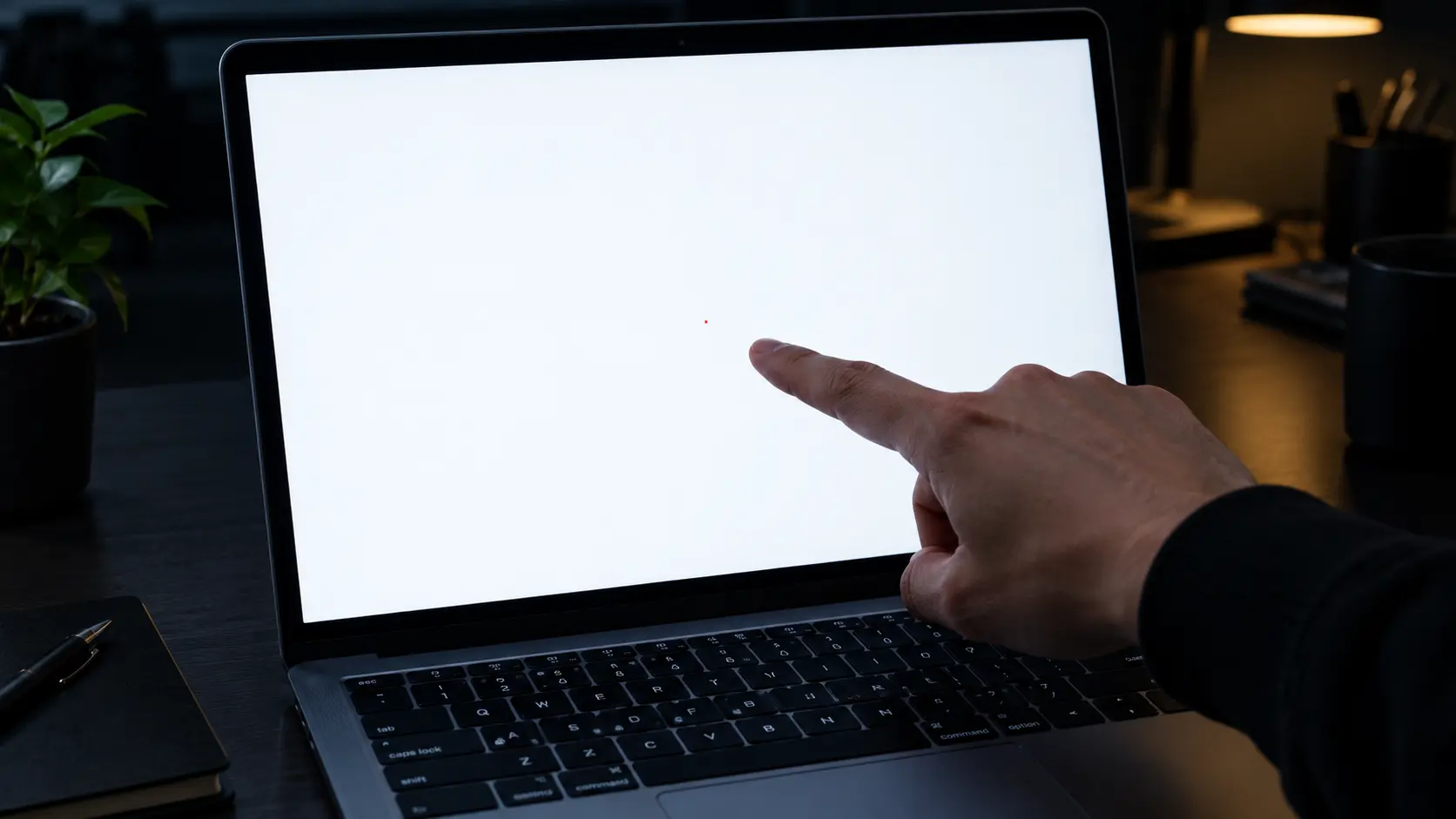
Testing a laptop screen for dead pixels
The Accessories That Actually Matter
Your laptop is just one part of your work setup. Here are the accessories I recommend.
1. A Good External Monitor
A laptop screen is small. A 27 inch external monitor makes you more productive and is better for your eyes. Read our guide on choosing the perfect monitor.
2. A Comfortable Mouse
Trackpads are fine for light work, but a real mouse is faster and more ergonomic. The Logitech MX Master 3 is the best mouse for work.
3. A Laptop Stand
Looking down at a laptop screen hurts your neck. A laptop stand raises the screen to eye level, improving your posture. Pair it with an external keyboard and mouse.
4. Noise-Cancelling Headphones
If you work in a noisy environment, noise-cancelling headphones are essential. The Sony WH-1000XM5 and Apple AirPods Max are the best options.
Final Thoughts: The Best Laptop is the One That Fits Your Workflow
After testing hundreds of laptops, I have learned one thing: there is no "best" laptop. There is only the best laptop for you.
If you type a lot, buy a ThinkPad. If you value battery life and a beautiful screen, buy a MacBook. If you are on a budget, buy an Acer Aspire.
Whatever you choose, test it immediately. Your return window is your leverage. Use our free diagnostic tool to check the screen, and read our guides to learn what to look for.
If you remember only one thing, remember this: a work laptop is a tool. Buy the tool that makes your work easier, not the one with the biggest spec sheet.
🔍 Test Your New Laptop Screen Now
Related Guides
- The Ultimate Monitor Buying Guide 2026
- How to Test Your Monitor Like a Pro: 5 Essential Checks
- OLED vs LCD in 2026: The Honest Answer
- What is a Dead Pixel? The Complete 2026 Guide
- Screen Tests for Every Device: 5 Checks in 5 Minutes
- iPhone Screen Test: The Founder's Guide to Spotting Defects
- What is Screen Burn-In? How to Detect, Prevent, and Fix It
💬 Leave a Comment
Have a question or something to add? Share your thoughts below.
Loading comments...