 SCREEN
How to Fix Screen Burn-In 5 Proven Methods (2026 Guide)
Step-by-step guide to fixing (or reducing) screen burn-in on OLED, AMOLED, LCD, and TV displays. Try these 5 methods before replacing your screen.
📖 Read Full Article →Expert articles about display technology, screen diagnostics, and maintenance tips.
Step-by-step guide to fixing (or reducing) screen burn-in on OLED, AMOLED, LCD, and TV displays. Try these 5 methods before replacing your screen.
📖 Read Full Article →
Learn everything about dead pixels: how to identify dead vs stuck pixels, test your monitor, understand warranty policies, and fix or document defects.
📖 Read Full Article →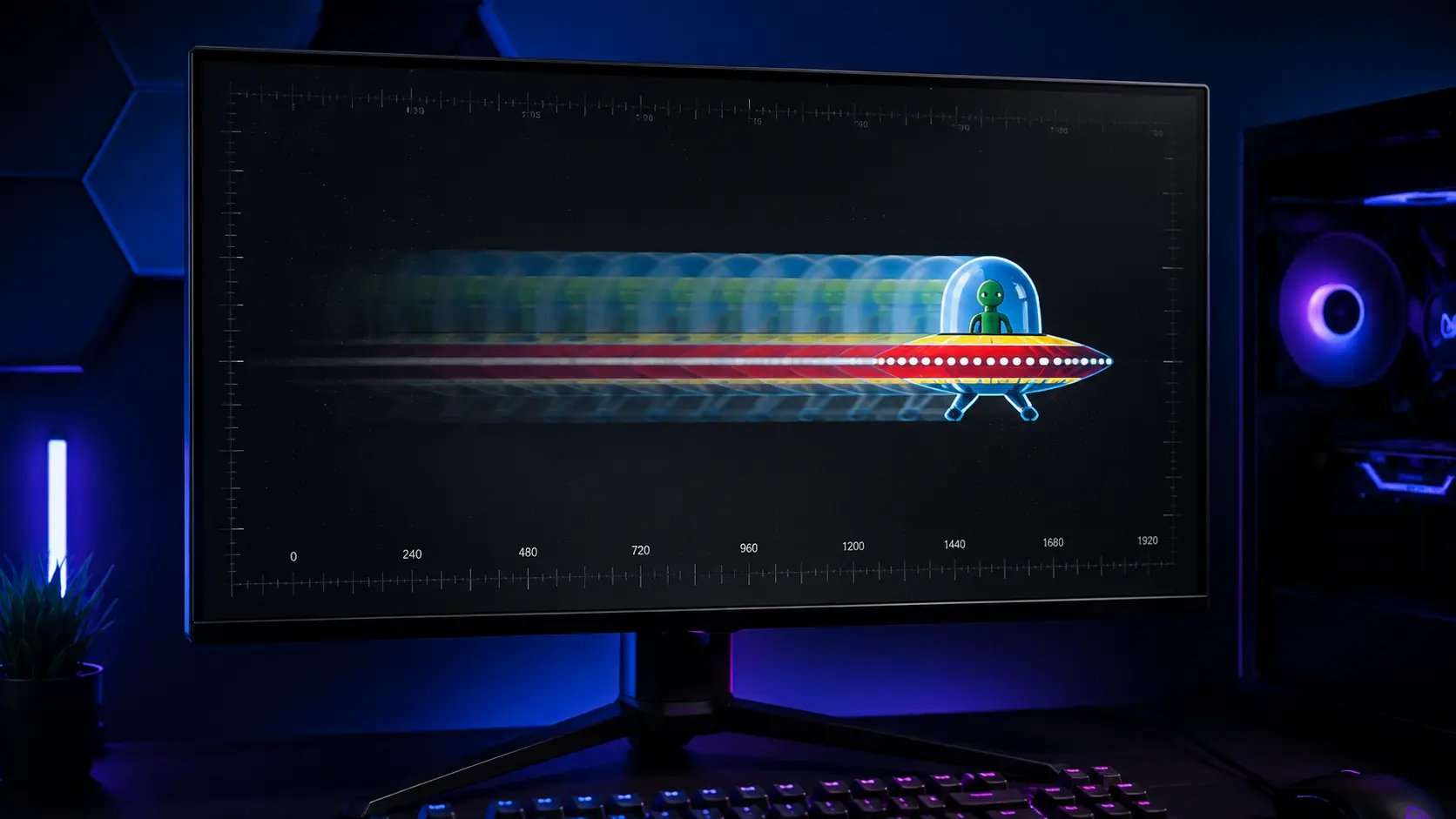
Everything you need to know about monitor ghosting: what causes it, how to test for it, and step-by-step solutions to eliminate motion blur and trailing.
📖 Read Full Article →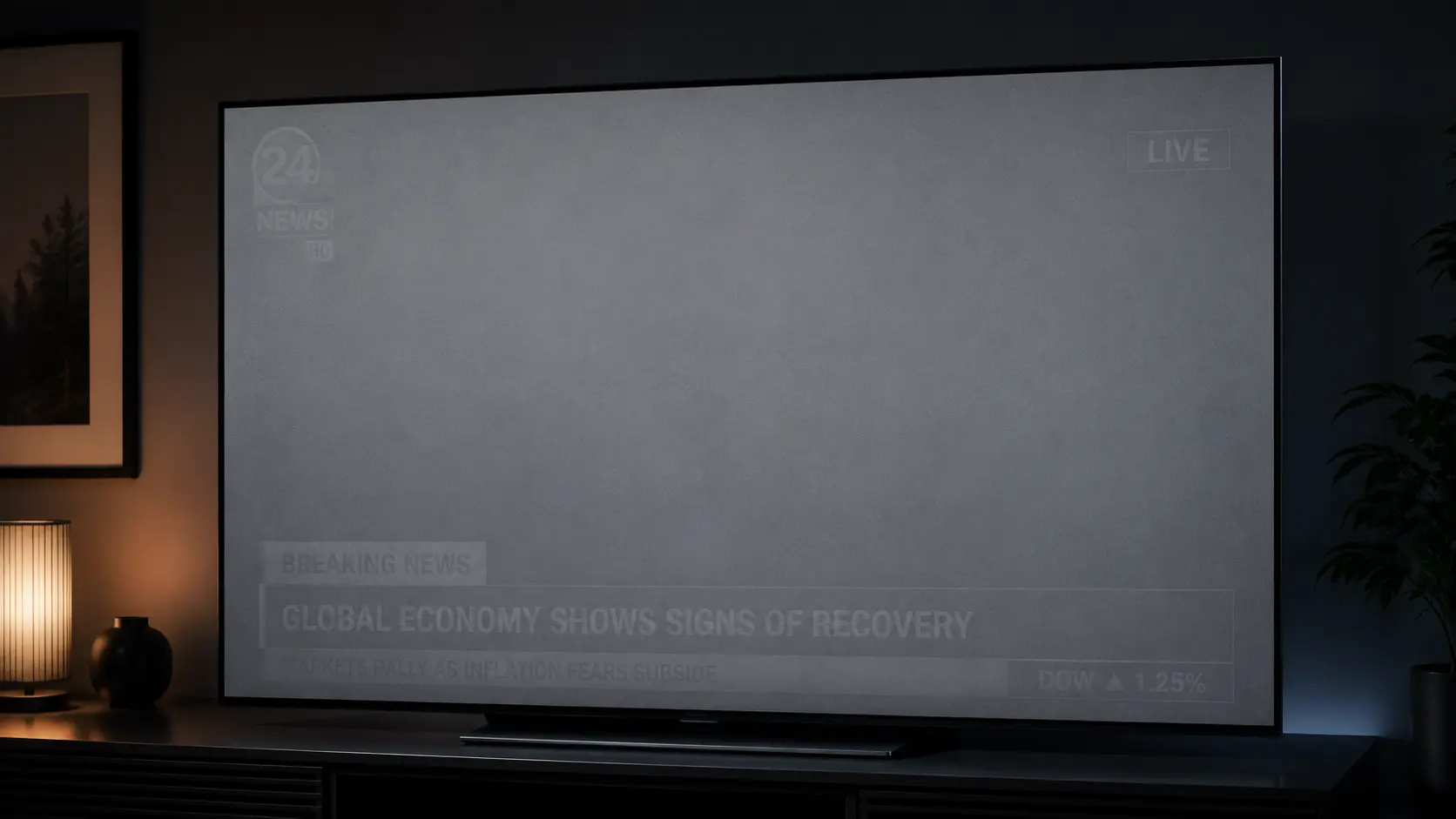
Everything you need to know about screen burn-in: causes, detection, prevention, and solutions for OLED, AMOLED, and LCD displays.
📖 Read Full Article →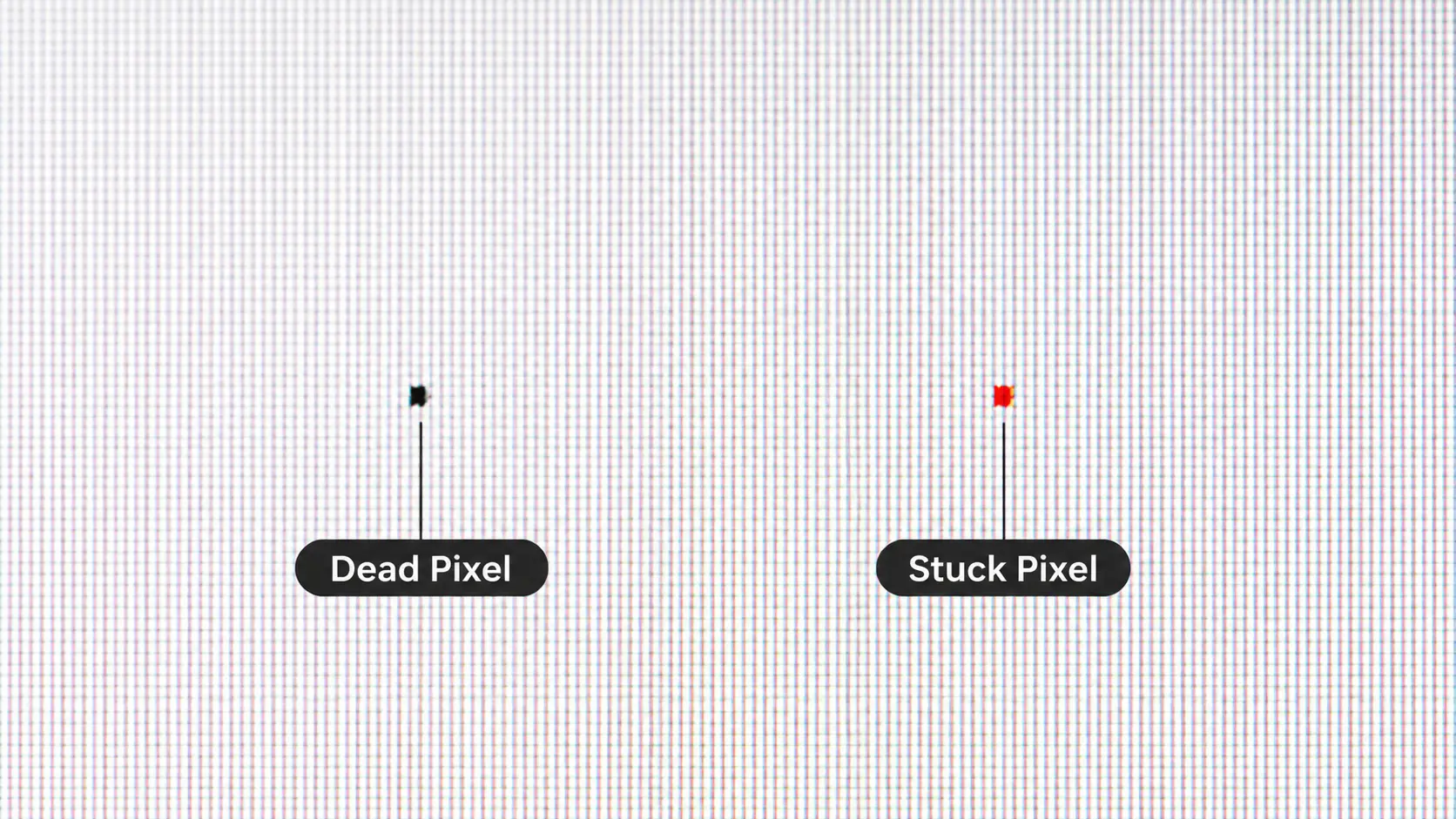
You see a dot on your screen. Is it dead or stuck? Understand the difference and learn what you can do about it.
📖 Read Full Article →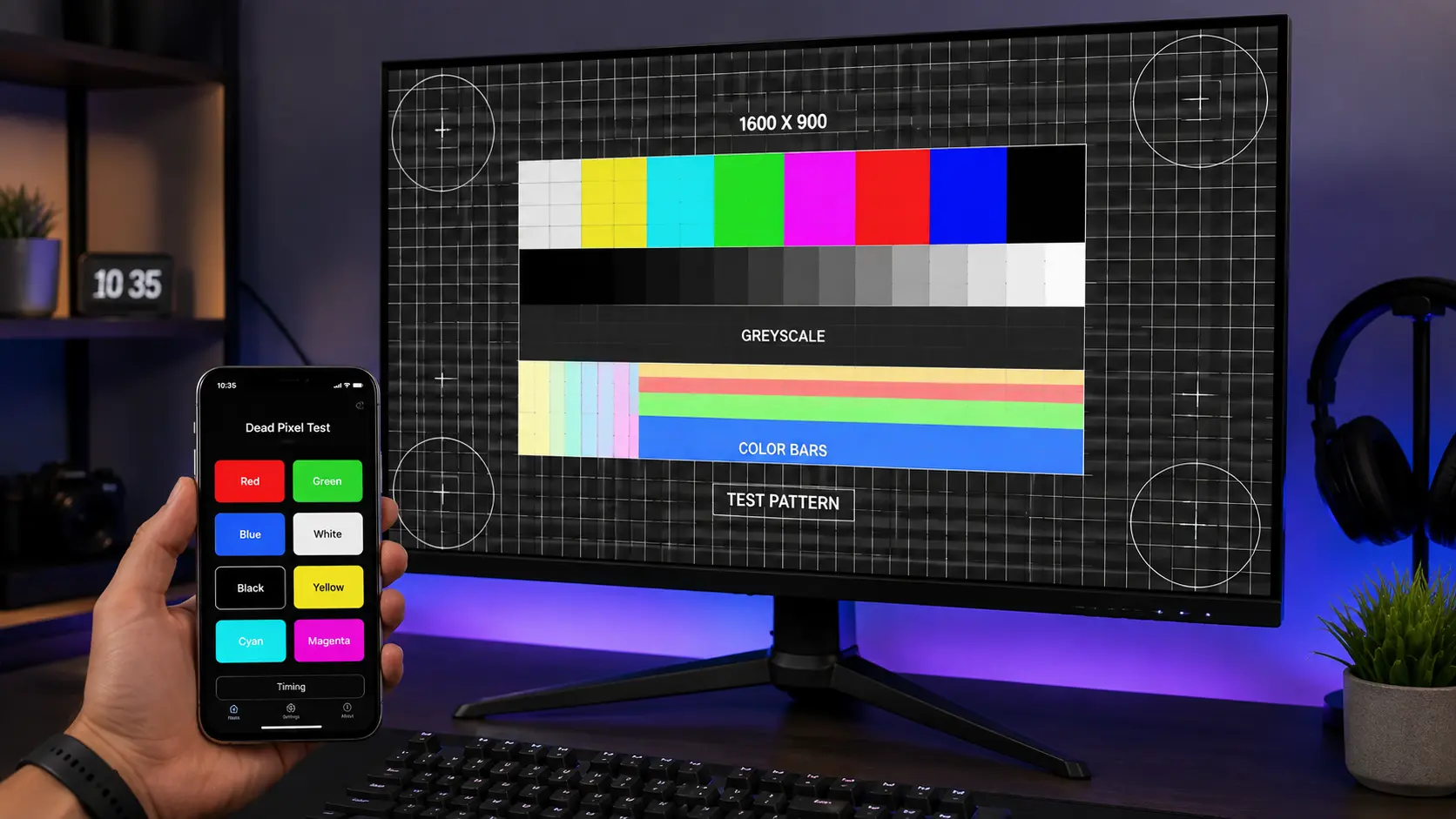
Discover the 5 essential checks used by calibration experts to diagnose dead pixels, burn-in, ghosting, and uniformity issues.
📖 Read Full Article →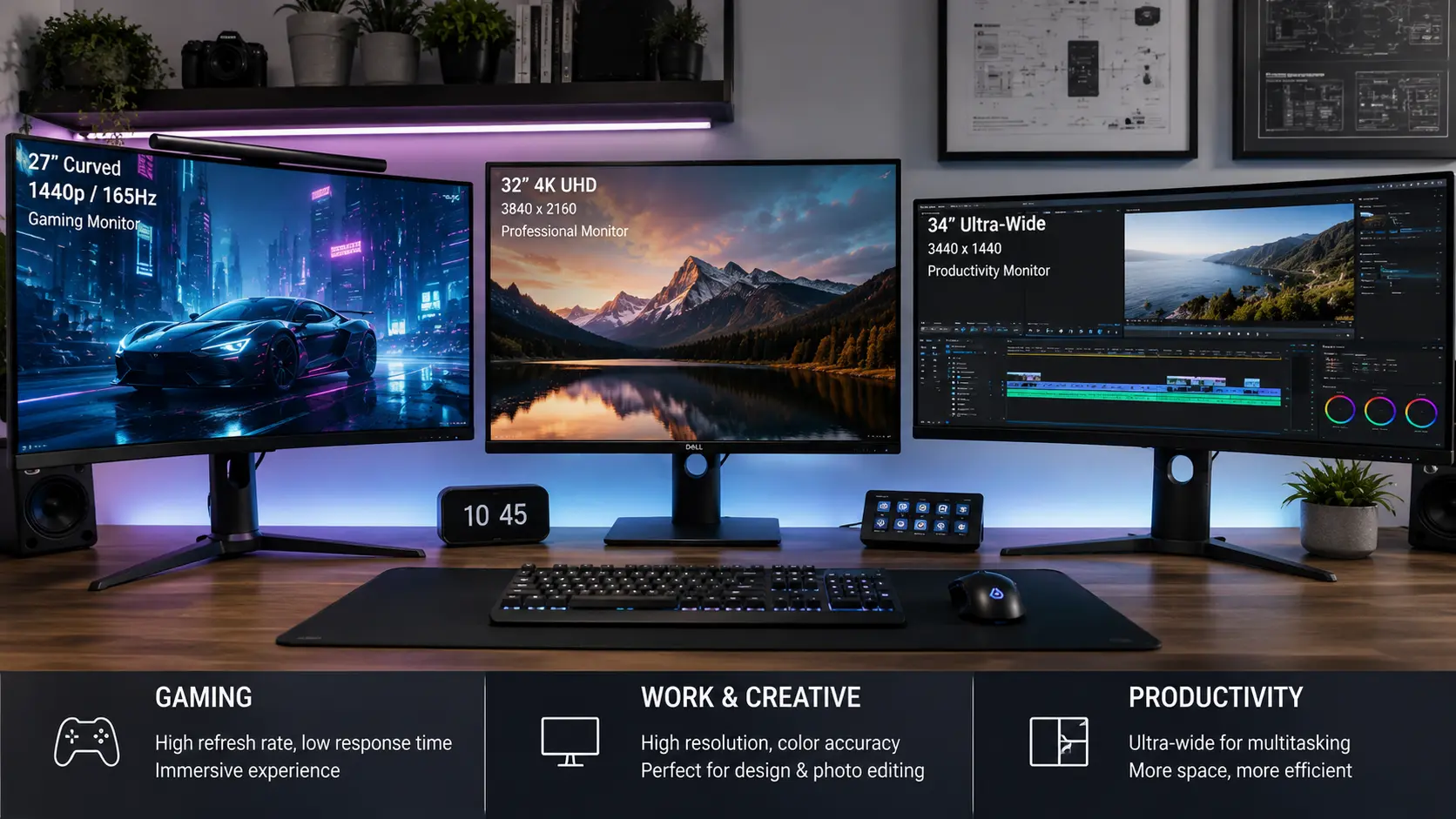
From refresh rates to panel types, here's everything you need to know before buying your next monitor.
📖 Read Full Article →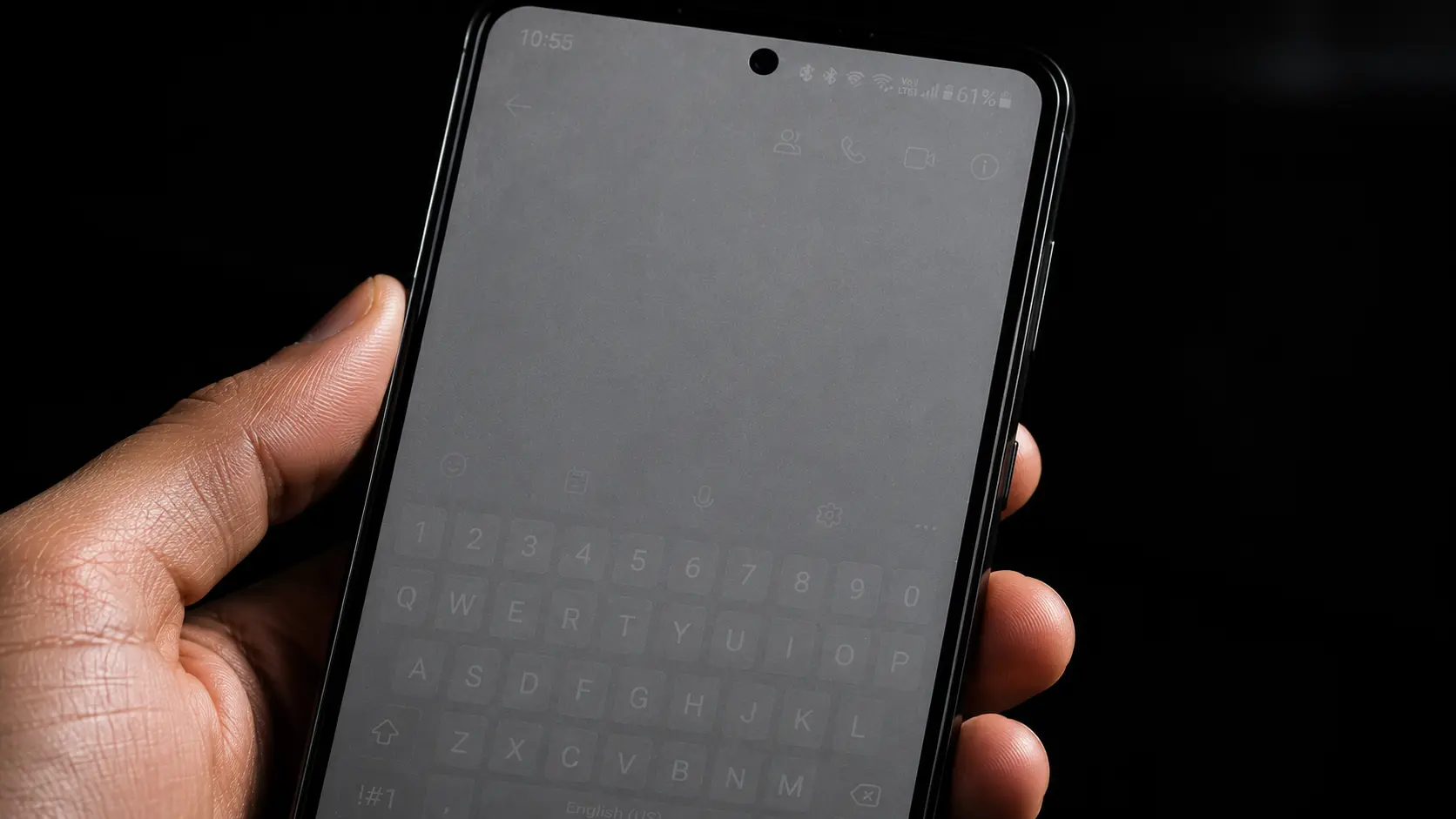
OLED displays are stunning but vulnerable to burn-in. Learn how to protect yours and detect issues early.
📖 Read Full Article →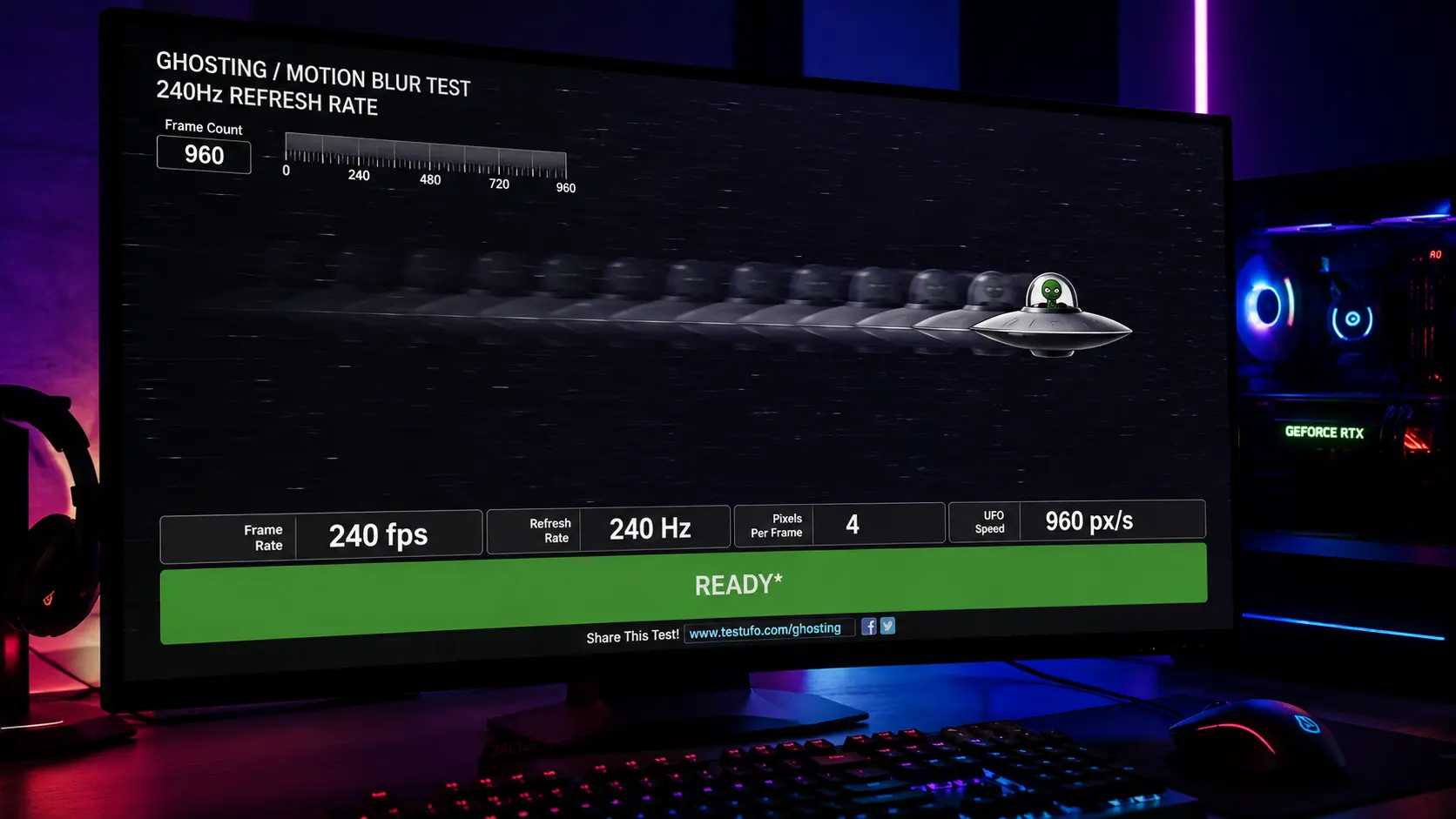
Motion blur driving you crazy? Learn what ghosting is, what causes it, and how to test for it instantly.
📖 Read Full Article →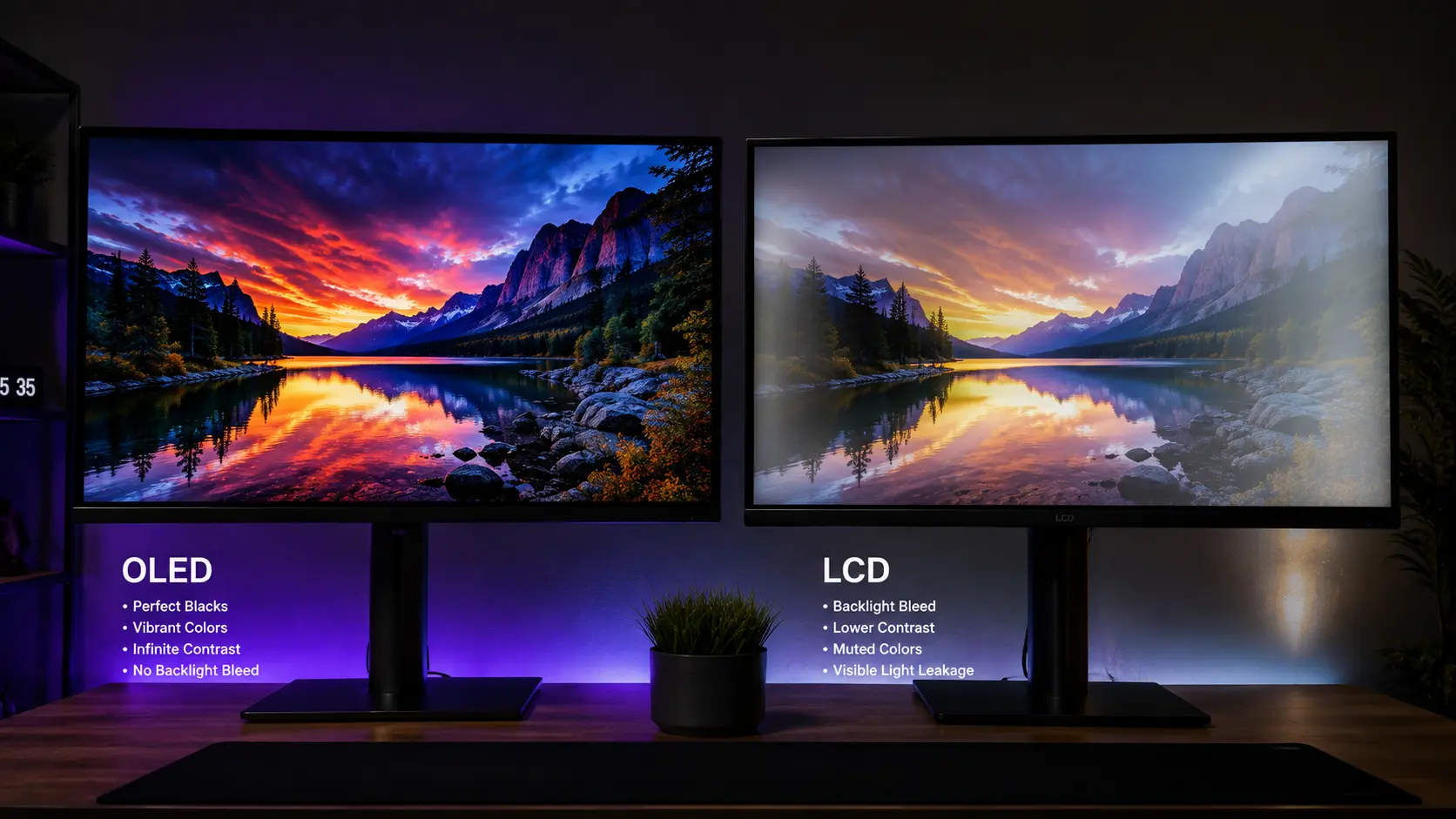
Compare OLED and LCD pros and cons to make an informed decision for your next display purchase.
📖 Read Full Article →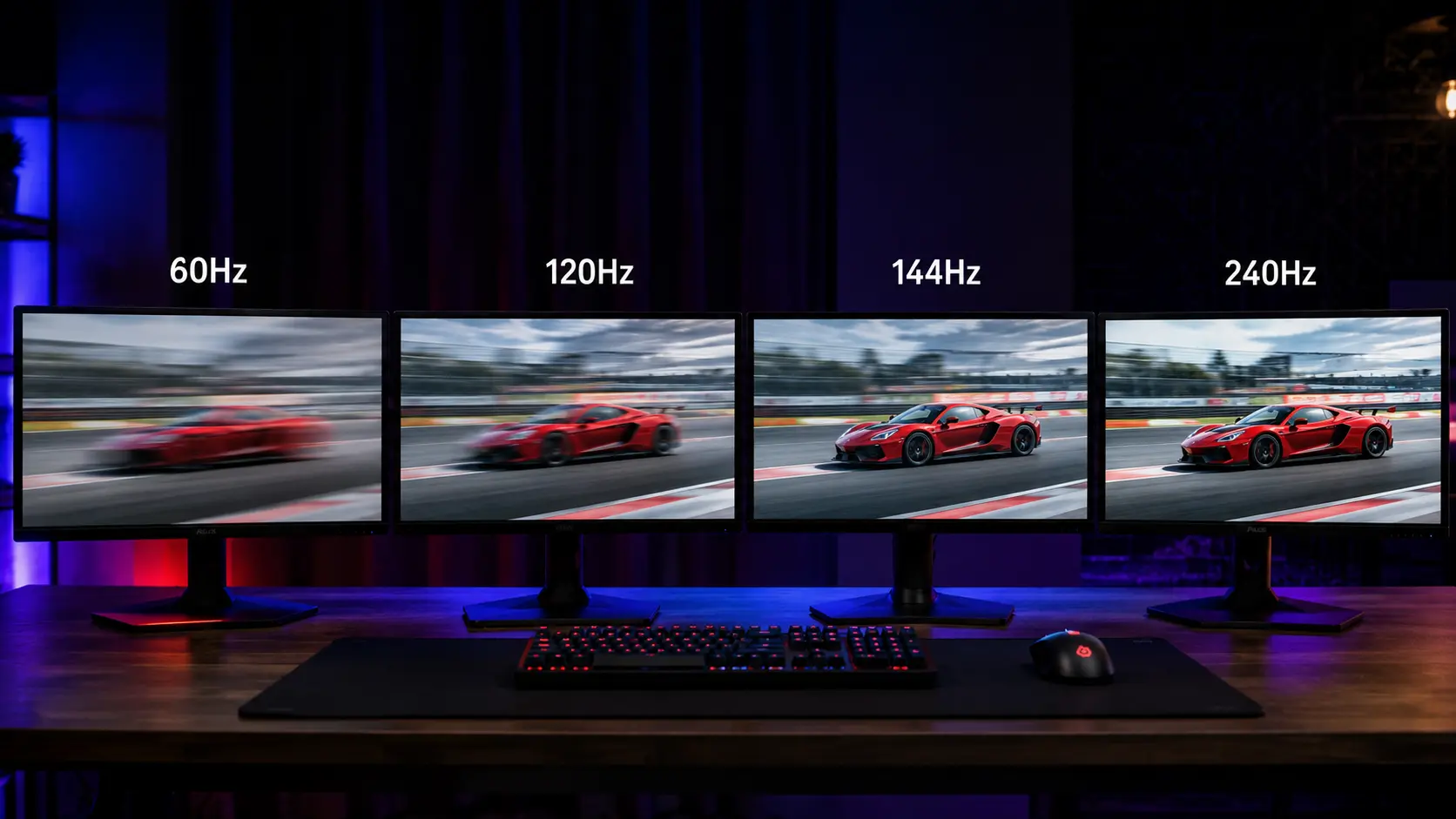
Does a higher refresh rate really make a difference? Find out which one is right for your needs.
📖 Read Full Article →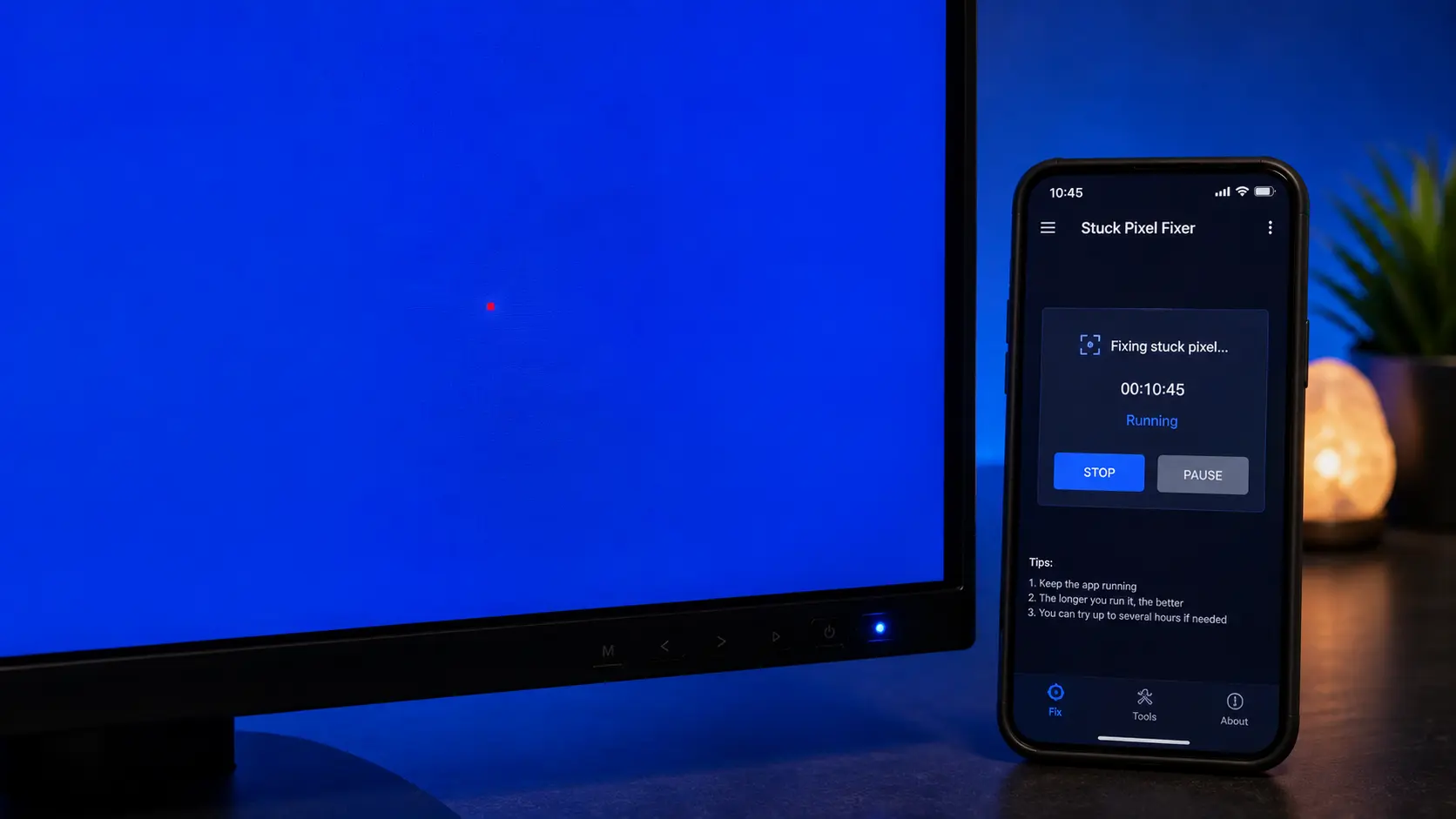
Try these proven methods before returning your monitor. From software solutions to gentle physical techniques.
📖 Read Full Article →Use our free online tool to check for dead pixels, burn-in, ghosting, and more. It takes less than 60 seconds and runs entirely in your browser.