 SCREEN

📌 Quick Summary: I spent three days digging through raw panel datasheets from Samsung and LG. The marketing materials say "0.1ms response time" and "infinite contrast." The datasheets tell a more complex story. Here is the truth about the QD-OLED vs WOLED battle, the reality of 240Hz vs 360Hz, and why the panel inside your monitor matters more than the brand on the bezel.
I have been repairing monitors for over a decade. I have seen the inside of more panels than I can count. And if there is one thing I have learned, it is this: the brand on the monitor does not matter. The panel inside it does.
A Dell monitor, an Alienware monitor, and an MSI monitor might all use the exact same Samsung QD-OLED panel. The difference is in the cooling, the firmware, the warranty, and the price tag. But the core display technology is identical.
That is why I was excited when I found the panel database at DisplayTech.org. It lists the raw specs of the OLED panels used in modern monitors, straight from the manufacturers. No marketing. No hype. Just the numbers.
And what the numbers reveal is fascinating. It exposes the lies, the half truths, and the brilliant engineering behind the best gaming monitors on the market today.
The panel is the heart of the monitor. Everything else is just the body.
The Two Giants: Samsung QD-OLED vs LG WOLED
If you are buying an OLED monitor in 2026, you are choosing between two panel manufacturers: Samsung Display and LG Display.
These two companies use fundamentally different technologies to achieve the same goal: perfect blacks and infinite contrast. And the datasheets reveal exactly how they do it.
Samsung QD-OLED: The Quantum Dot Approach
Samsung's QD-OLED technology uses a blue OLED layer as the light source. The blue light passes through a layer of quantum dots, which convert the blue light into pure red and green. This allows for incredibly high brightness and vibrant colors.
Looking at the datasheet for the 26.5 inch Samsung QD-OLED panel, the numbers are impressive:
- Resolution: Up to 3840×2160 (4K) or 2560×1440 (1440p)
- Refresh Rate: 240Hz or 360Hz
- Contrast Ratio: 150,000:1 (this is the static contrast, not the "infinite" marketing claim)
- Response Time: 0.1ms
The 360Hz variant is particularly interesting. It is designed for competitive esports, where every millisecond matters. But as we will see later, the jump from 240Hz to 360Hz is not as dramatic as the marketing suggests.
LG WOLED: The White OLED Approach
LG's WOLED technology uses a white OLED layer combined with color filters to produce red, green, and blue. This is the same technology used in LG's award winning OLED TVs.
The datasheet for the 27 inch LG WOLED panel shows:
- Resolution: 2560×1440 (1440p)
- Refresh Rate: 240Hz
- Contrast Ratio: 150,000:1
- Response Time: 0.1ms
- Pixel Format: RGBW, Vertical Stripe
The "RGBW" pixel format is a crucial detail. It means each pixel has four sub pixels: Red, Green, Blue, and White. The white sub pixel is used to boost brightness, but it can sometimes cause color fringing on text. This is a known trade off of WOLED technology.
The "0.1ms" Response Time Myth
Both Samsung and LG advertise a "0.1ms response time" on their OLED panels. This is technically true, but it is also misleading.
The 0.1ms figure refers to the time it takes for a single pixel to switch from fully off to fully on. But in the real world, response time is measured differently. It is the time it takes for a pixel to transition from one shade of gray to another (GtG - Gray to Gray).
In practice, OLED response times are incredibly fast, but they are not instant. You will still see a tiny amount of motion blur in fast-moving scenes. But it is so minimal that it is virtually invisible to the human eye. For all intents and purposes, OLED is the fastest display technology on the market.
To see how motion clarity works in practice, read our guide on Monitor Ghosting.
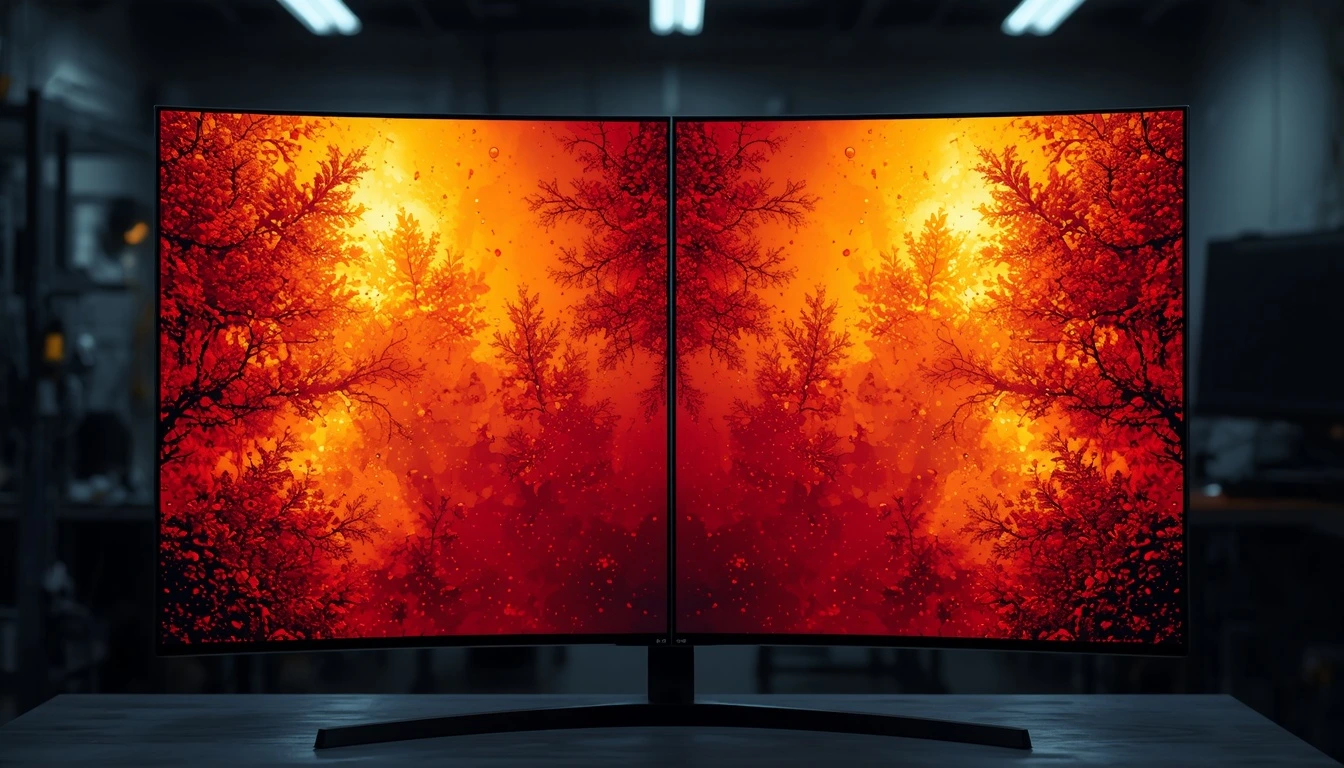
QD-OLED (left) vs WOLED (right). Both are stunning, but they have different strengths.
The 240Hz vs 360Hz Reality Check
The datasheet shows that Samsung is producing 26.5 inch QD-OLED panels in both 240Hz and 360Hz variants. The marketing departments will tell you that 360Hz is "twice as smooth" as 180Hz. But the physics tell a different story.
At 240Hz, each frame is displayed for 4.17ms. At 360Hz, each frame is displayed for 2.78ms. The difference is 1.39ms. For a professional esports player, this might matter. For 99% of gamers, it is imperceptible.
Furthermore, to actually hit 360 frames per second, you need a top tier graphics card (RTX 4090 or equivalent) and a powerful CPU. If your hardware cannot output 360fps, the 360Hz panel will just display the same 240fps you were getting before, with slightly less tearing.
My advice: unless you are a professional Valorant or CS2 player, save your money and buy the 240Hz variant. The visual difference is not worth the premium.
You can test your own monitor's refresh rate with our 240Hz Test.
What the Datasheet Doesn't Tell You: The Burn in Reality
The datasheet lists contrast ratio, brightness, and response time. But it does not mention Burn in. This is the elephant in the room for OLED monitors.
OLED pixels degrade over time. The blue sub pixels degrade the fastest. This is a physical limitation of the organic materials. If you leave a static image on the screen for hundreds of hours, those pixels will age faster than their neighbors. The result is a permanent ghost image.
The datasheets do not tell you this because it is a known limitation of the technology. But it is something you must understand before buying an OLED monitor.
If you use your monitor for work (spreadsheets, coding, taskbars), an OLED might not be the best choice. If you use it primarily for gaming and movies, the risk is much lower.
To learn how to prevent and manage Burn in, read our Complete Screen Burn in Guide.
The "Matte vs Glossy" Debate
Both the Samsung and LG panels in the datasheet list a "matte" coating. This is a crucial detail. A matte coating diffuses reflections, making it easier to see the screen in a bright room. But it also slightly reduces contrast and can introduce a "grainy" texture on pure white backgrounds.
Some manufacturers (like Alienware) offer glossy OLED monitors. These have deeper blacks and more vibrant colors, but they act like a mirror in a bright room. The choice between matte and glossy is a personal preference, but it is important to know what you are buying.
Why the Panel Matters More Than the Brand
Here is a secret that manufacturers do not want you to know: the panel inside a $1,000 monitor and a $1,500 monitor is often the exact same panel. The difference is in the firmware, the cooling, the stand, and the warranty.
For example, the 27 inch LG WOLED panel is used in monitors from ASUS, LG, and Corsair. The 26.5-inch Samsung QD-OLED panel is used in monitors from Alienware, MSI, and Samsung.
When you buy an OLED monitor, you are buying the panel. Everything else is secondary.
This is why reading the datasheet is so important. It tells you exactly what you are getting, regardless of the brand on the box.
Frequently Asked Questions (FAQ)
Is QD-OLED better than WOLED?
It depends on your priorities. QD-OLED offers higher brightness and more vibrant colors, making it better for HDR gaming. WOLED has a more established track record for Burn in resistance and is often slightly cheaper. Both are excellent.
Is the 0.1ms response time real?
It is technically true, but it is a best-case scenario. In real world use, OLED response times are incredibly fast, but not instant. You will not notice any ghosting or motion blur.
Do I need a 360Hz OLED monitor?
No. For 99% of gamers, a 240Hz OLED is more than enough. The jump from 240Hz to 360Hz is subtle and requires top-tier hardware to take advantage of.
Will my OLED monitor get Burn in?
It is possible, but modern OLED panels have many protections (pixel shift, pixel refresh, logo detection). If you vary your content and avoid static images, the risk is low.
Final Thoughts: Read the Specs, Not the Marketing
The next time you are shopping for an OLED monitor, do not just look at the brand or the price. Look at the panel. Read the datasheet. Understand the technology.
A monitor is a long term investment. The more you know about what is inside it, the better your decision will be.
If you want to test your current monitor for defects, use our free Screen Medic diagnostic tool.
💬 Leave a Comment
Have a question or something to add? Share your thoughts below.
Loading comments...