 SCREEN
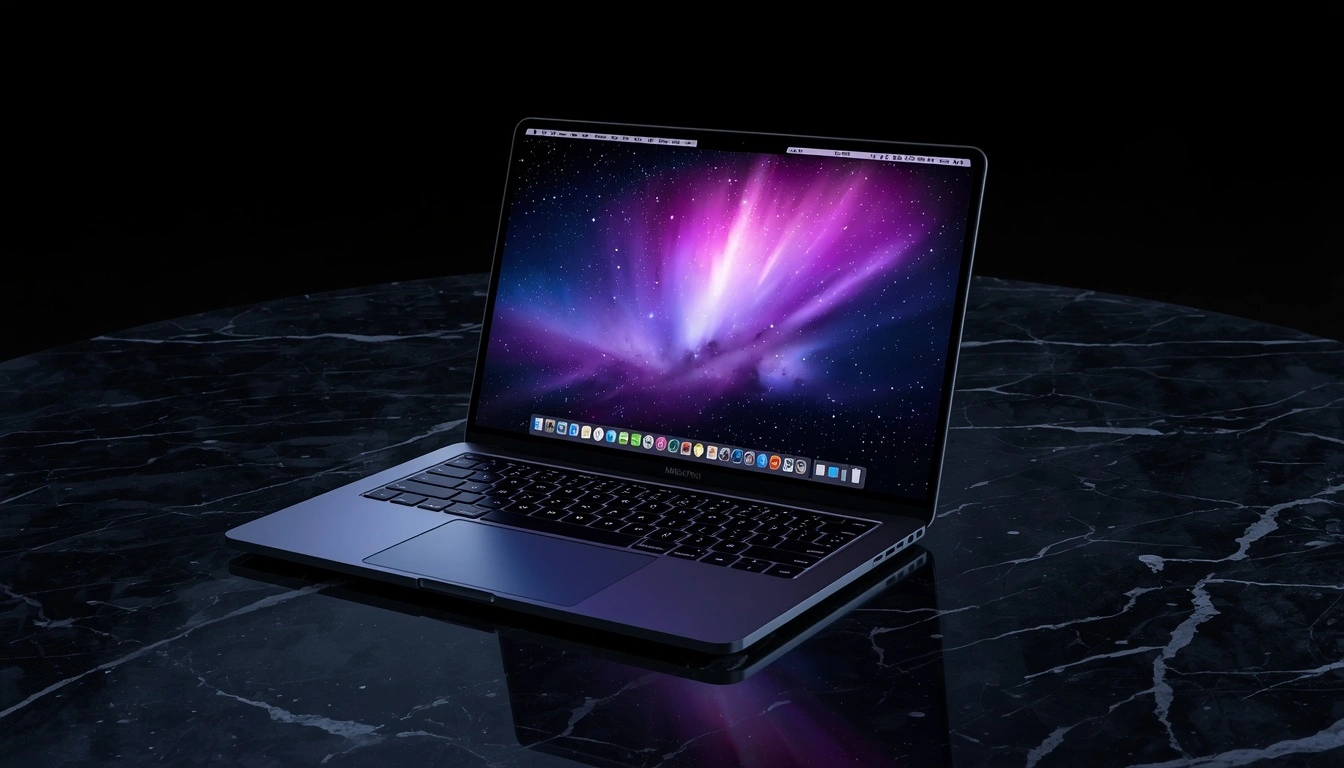
📌 Quick Summary: The rumors are true: Apple is bringing a tandem OLED display and touch input to the MacBook Pro. But as someone who repairs screens for a living, I have questions. Will it burn in? Is the touch layer worth the glare? And should you buy the first generation or wait for the M7? Here is my honest, technical breakdown of what this means for your next laptop.
I have spent the last twelve years repairing, calibrating, and diagnosing displays. I have seen the inside of more MacBook Pro panels than I can count. And I can tell you this: the current Mini LED display on the 14 inch and 16 inch MacBook Pro is one of the best LCD panels ever made. It is bright, it is color accurate, and it has incredible contrast for an LCD.
So when I heard the rumors that Apple was switching to OLED and adding a touchscreen, my first reaction was not excitement. It was caution.
OLED is stunning. It offers perfect blacks and infinite contrast that no LCD can match. But it also comes with trade offs that Apple has never had to deal with on the Mac before: Burn in, lower peak brightness in some scenarios, and a completely different touch experience on a vertical screen.
This guide is not a hype piece. It is a technician's analysis of the MacBook Pro OLED rumors, based on the leaked specifications and my real world experience with OLED technology. By the end, you will know exactly what to expect, and whether you should buy the first generation or wait.
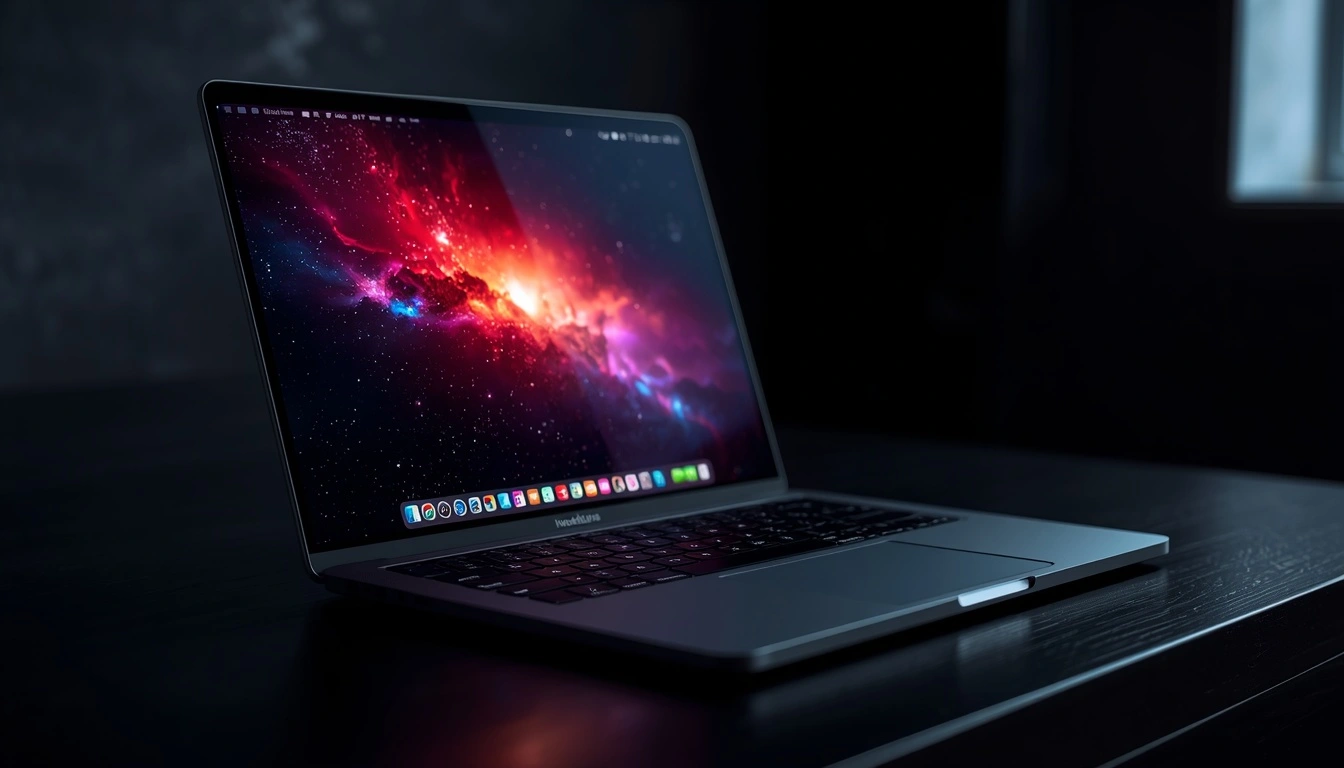
The rumored MacBook Pro OLED. Beautiful, but is it practical?
The OLED Upgrade: Why It Matters (And Why It Doesn't)
Let us start with the display. According to the leaks, the new MacBook Pro will use a "tandem OLED" panel. This is the same technology Apple used in the iPad Pro M4, and it is significantly more advanced than the OLED panels used in monitors or TVs.
The Good: Perfect Blacks and Infinite Contrast
OLED is transformative for content consumption. When you watch a movie in a dark room, the black bars at the top and bottom will be truly black. The bright highlights in an HDR scene will pop with a vibrancy that Mini LED simply cannot match. For photographers and video editors, the color volume and viewing angles will be exceptional.
If you want to understand the technical differences between OLED and LCD, read our guide on OLED vs LCD.
The Trade off: The Burn in Question
This is the question every MacBook owner should be asking. OLED panels degrade over time. The pixels age faster when they are brighter. If you leave a static image on the screen like a menu bar, a dock, or a spreadsheet those pixels will age faster than the rest of the screen. The result is a permanent ghost image known as Burn in.
Apple has implemented "Pixel Shift" and "Pixel Refresh" technologies to mitigate this. But on a laptop that you use for work, with static UI elements, the risk is real. If you use your MacBook Pro for coding, writing, or spreadsheets, an OLED screen might not be the best choice.
To learn how to prevent and manage this, read our Complete Screen Burn in Guide.
The Touchscreen: A Solution in Search of a Problem?
Apple has resisted touchscreens on the Mac for years. Steve Jobs famously said that vertical touch screens are ergonomically terrible. And he was right. Reaching up to touch a vertical laptop screen is tiring. It is why Windows touchscreen laptops are often criticized for being a gimmick.
However, the rumors suggest that Apple is not trying to turn the Mac into an iPad. The touch layer is being added primarily for "secondary interactions". Tapping a button, swiping through a photo, or scrolling a webpage with your finger can be faster and more intuitive than using a trackpad, especially when you are sitting back and relaxing.
But from a technician's perspective, adding a touch layer to an OLED panel creates a new set of problems:
- Glare and Reflections: Touch screens usually have a glossy coating. While Apple might offer a matte option, the glossy version will reflect more light than the current matte Mini LED display.
- Fingerprints: You will spend more time cleaning your screen.
- Structural Rigidity: Pressing on a thin OLED panel requires a stiffer hinge and a reinforced chassis. Apple has reportedly redesigned the hinge to prevent the screen from wobbling when touched.
Touch on a laptop: useful for some tasks, but a fingerprint magnet
The M7 Chip: Should You Wait?
This is the most important question for buyers. The rumors indicate that the first generation of the OLED touch MacBook Pro will use the "M5 Pro and M5 Max" chips. But Apple is reportedly already working on a second generation, powered by the "M7 Pro and M7 Max" chips, which will focus on AI hardware capabilities.
Here is my advice:
- If you need a laptop now: Buy the current M5 Pro/Max model. The Mini LED display is still excellent, and the M5 chips are incredibly powerful.
- If you want the OLED screen: The first generation (M5 Pro/Max) will be available soon. But be prepared for the "early adopter tax" and the risk of first-generation issues.
- If you want the best AI performance and the most refined OLED experience: Wait for the M7 generation. It will likely have a better cooling system, improved Burn in resistance, and the AI features that Apple is building.
The Price Reality Check
The leaks suggest that the OLED touch MacBook Pro will be significantly more expensive than the current models. Estimates put the starting price around $2,399 for the 14 inch model, which is a $400 increase over the current M5 Pro baseline.
Is it worth it? If you are a creative professional who needs the absolute best display for color grading, or a user who wants the most portable and future-proof MacBook, the answer might be yes. But for the average user, the current Mini LED model offers better value.
What About the "MacBook Pro LED" Searches?
Google Trends shows a massive spike in searches for "MacBook Pro LED." This is likely because people are confused by the terminology. "LED" refers to the backlight technology used in the current Mini LED displays. It is not a new product. If you are searching for "MacBook Pro LED," you are likely looking for information about the current model, not the upcoming OLED model.
Frequently Asked Questions (FAQ)
Will the OLED MacBook Pro have Burn in issues?
It is possible. Apple will implement software protections, but OLED is inherently susceptible to Burn in if static content is displayed for long periods. If you use your laptop for work with static menus, be cautious.
Is the touchscreen worth the upgrade?
For most users, no. The touchscreen is a secondary input method. It is useful for certain tasks, but it is not a replacement for the keyboard and trackpad. Do not buy this laptop just for the touchscreen.
When will the M7 MacBook Pro be released?
Rumors suggest the M7 Pro/Max models will arrive in 2027. If you can wait, it might be the better long term investment.
Does the OLED screen support 120Hz ProMotion?
Yes. The leaks indicate that the OLED panel will support ProMotion, offering smooth scrolling and better power efficiency.
Final Thoughts: A Beautiful Risk
The MacBook Pro OLED is going to be a stunning piece of hardware. The display will be the best on any laptop, period. But it is not a risk free upgrade.
My advice is to be honest with yourself about how you use your laptop. If you are a content creator who lives in Final Cut Pro or Photoshop, the OLED screen will be a game changer. If you are a developer who stares at a static IDE for eight hours a day, the Burn in risk is something you need to consider.
Whatever you choose, test your screen when you get it. Use our free Screen Medic diagnostic tool to check for dead pixels, uniformity issues, and other defects before your return window closes.
🔍 Test Your MacBook Screen Now
Related Guides
- OLED vs LCD: Which Display Technology Is Better?
- What is Screen Burn in? How to Detect, Prevent, and Fix It
- Best Laptop for Work in 2026: A Founder's Honest Guide
- OLED Pixel Refresh: What It Actually Does
- What is a Dead Pixel? The Complete 2026 Guide
- How to Test Your Monitor Like a Pro: 5 Essential Checks
💬 Leave a Comment
Have a question or something to add? Share your thoughts below.
Loading comments...